Access follows the project
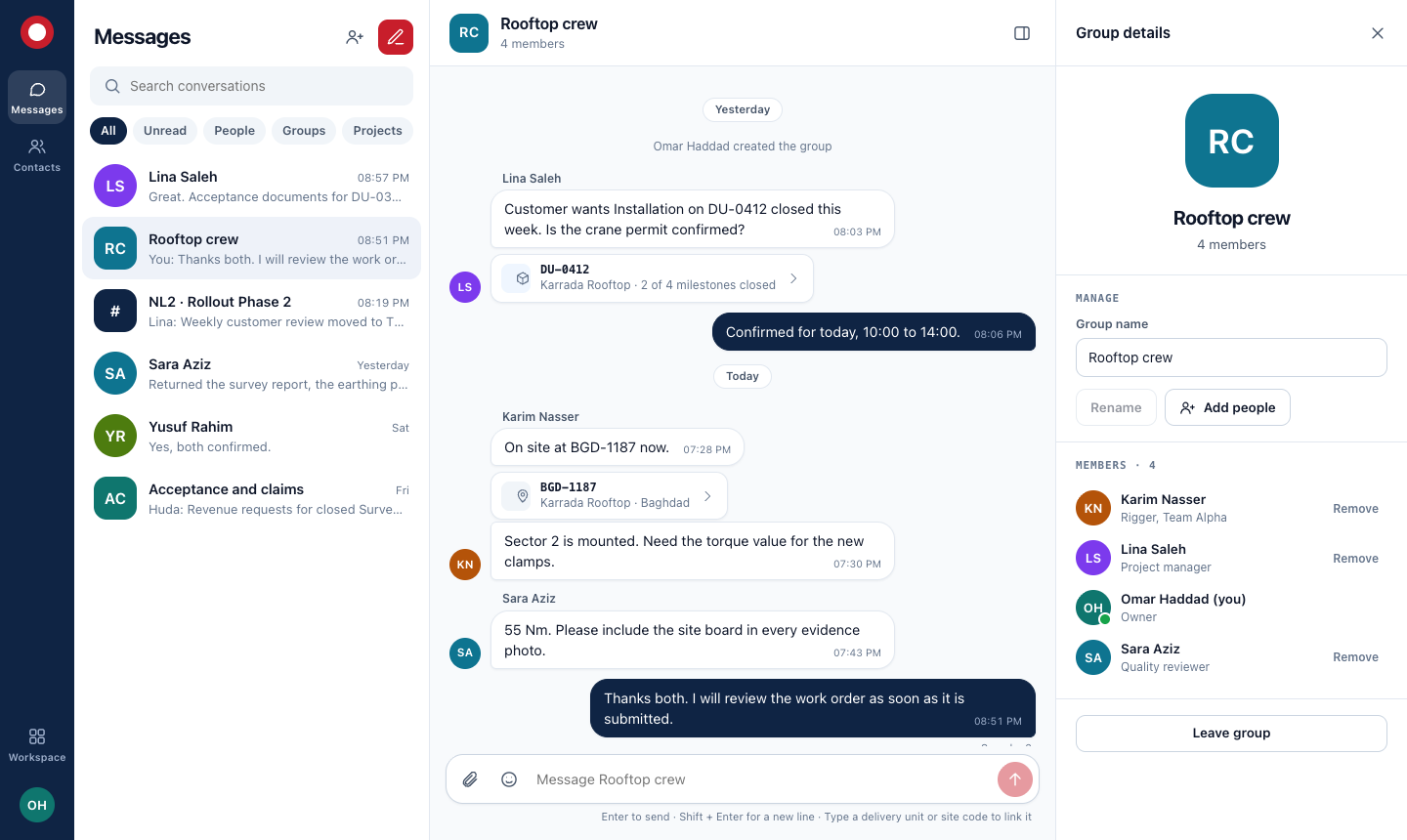
You can message the people who work on a project with you. Each project has a channel whose members are its team, kept up to date for you.
MSDP Connect · Messaging for delivery teams
People, groups and project channels in the same place as the sites and work orders they are talking about. Private to your company, organised by your projects.
Why not a public chat app
Group lists go stale, people who left still read along, and nobody can tell which site a message is about. Connect fixes those three things first.
You can message the people who work on a project with you. Each project has a channel whose members are its team, kept up to date for you.
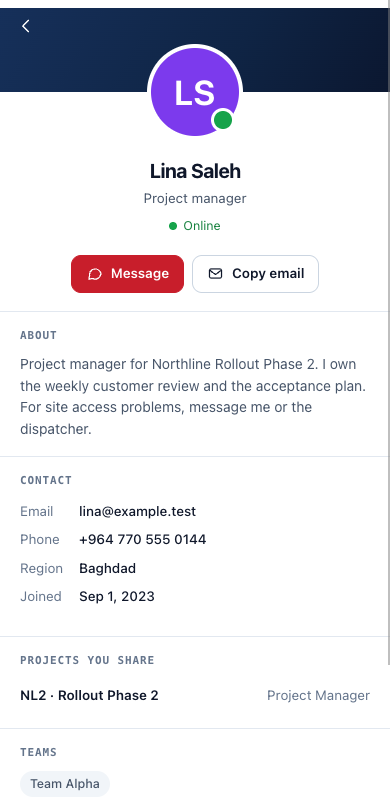
Every colleague has a profile: job title, an About note, phone, region, the projects and teams you share, and whether they are online.
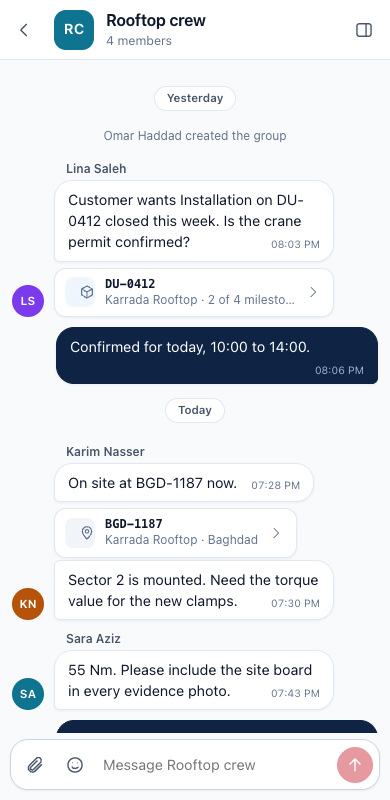
Mention a delivery unit or a site and the message shows its name and milestone progress, and opens it in the workspace. Only for records you may see.
A project channel shows the delivery units, open work orders and work in review beside the conversation.
Attach a photo or a document up to 10 MB. Files are checked on upload and only current members can open them.
The same conversations in the browser and in the MSDP phone app, with read state and unread counts that agree.
Profiles
Role, About note, contact details, shared projects, teams and the groups you are both in. People write their own About text, and you see only the projects you have in common.
Compared
| Public chat groups | MSDP Connect | |
|---|---|---|
| Who is in a project group | Whoever was added by hand | The project team, automatically |
| When someone leaves the project | They stay until someone removes them | They lose the channel at once |
| Finding a colleague | You need their personal number | A directory of people on your projects, with profiles |
| "Which site is this about?" | Scroll up and guess | The code links to the delivery unit and its status |
| Photos and documents | Saved to personal galleries | Kept in company storage, open to members only |
Plainly
Start with a single project team. If it is not better than the chat group they use today, you will know within a week.